
In short (UK): PayPal Buyer Protection can help when an item never arrives or is significantly not as described — if you open a dispute in time and provide evidence. Complain to the seller first, keep screenshots, then use PayPal’s Resolution Centre. Card chargeback or Section 75 may still matter depending how you funded the payment. This is general guidance, not legal advice.
PayPal is convenient until a seller goes quiet. This guide covers how disputes work at a high level — not a full win pack. For a personalised step by step action plan, deadline reminders and pre-filled letter templates, use Refundly.
What Buyer Protection Usually Covers
Often helps with:
- Physical item not received
- Item significantly not as described
- Some unauthorised payments
Often weaker or excluded: in-person collection, some custom or digital goods, and late claims. Always check PayPal’s current terms for your transaction type.
Dispute vs Claim
| Stage | What it is |
|---|---|
| Dispute | Resolve with the seller via PayPal first |
| Claim | Escalate for PayPal’s decision if unresolved |
Do not wait until the last day of any 180-day window if the seller has already refused.
What to Do Next (High Level)
- Contact the seller in writing and save proof.
- Open a dispute in the Resolution Centre with a clear reason.
- Upload organised evidence.
- Escalate to a claim if they will not resolve.
- If PayPal rules against you, review card dispute options before those windows close.
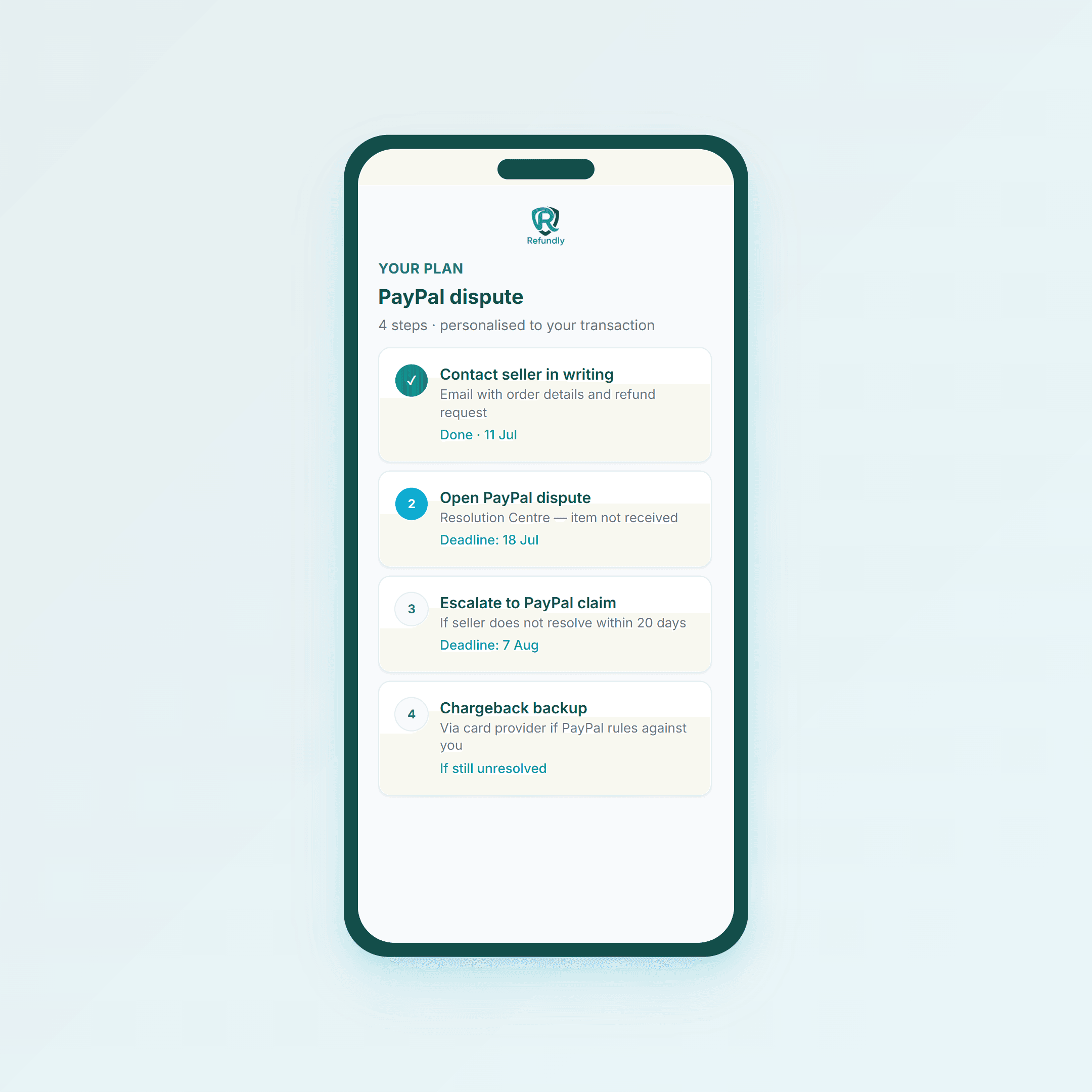 Seller contact before dispute is expected — keep the dates
Evidence That Helps
Listing vs delivery; tracking; fault photos; cancellation/refusal emails; promised vs actual dates. Keep it chronological.
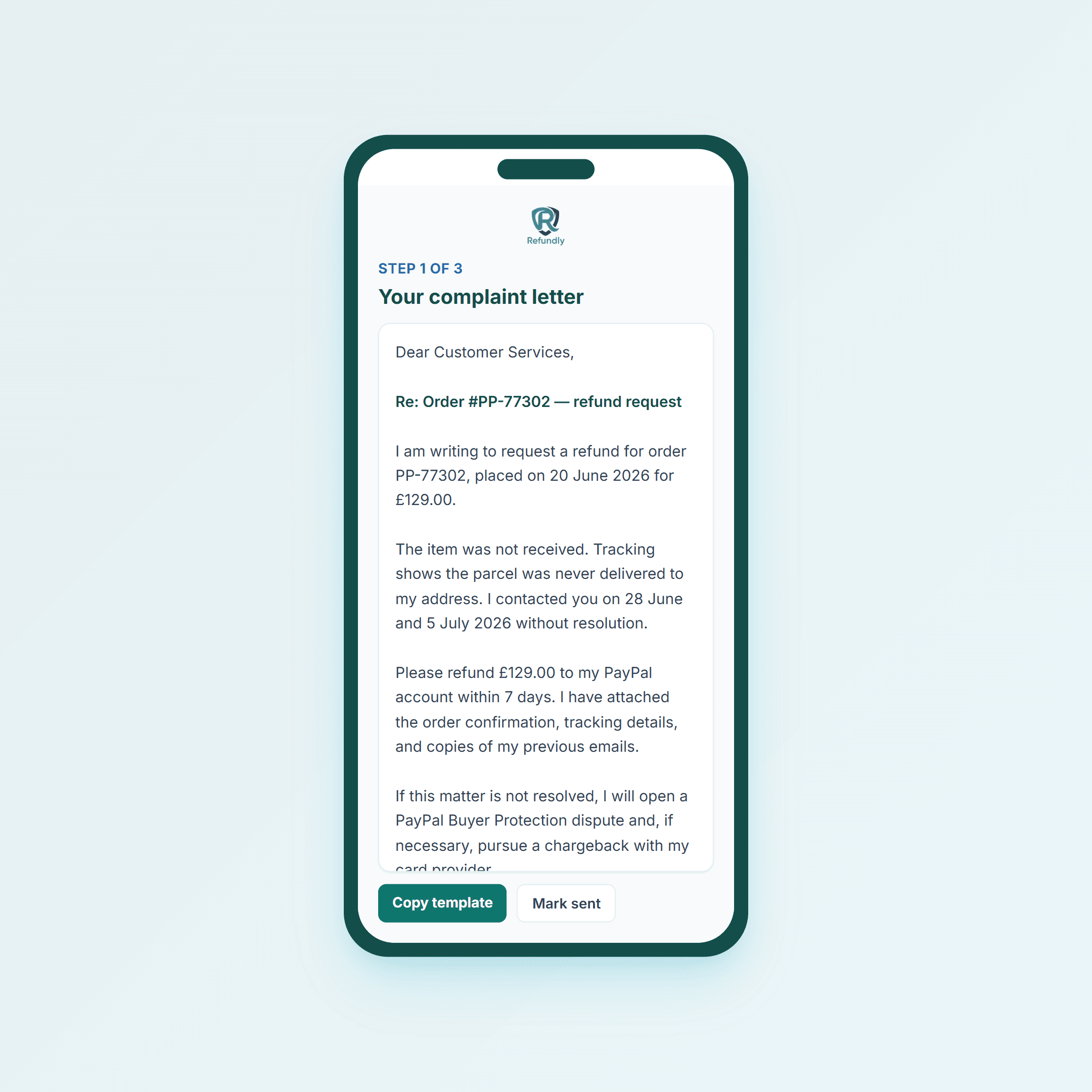 A formal seller complaint before disputing strengthens the file
PayPal vs Chargeback vs Section 75
| Route | Often used when |
|---|---|
| PayPal dispute | Paid via PayPal checkout / balance |
| Chargeback | Card funding still within scheme time limits |
| Section 75 | Credit card direct to supplier on qualifying amounts |
Paying by card through PayPal can complicate Section 75. Compare routes early.
Using Refundly for PayPal Disputes
- Build a timeline of what happened
- Draft a formal seller complaint first
- See whether PayPal, chargeback, or Section 75 fits best
- Track deadlines so windows do not close
Final Tip
Open the dispute when the seller refuses, not months later. Fresh evidence wins more often than the maximum deadline.
General information for UK consumers only — not legal advice. Check PayPal’s current Buyer Protection terms for your transaction.
Common questions
Short answers to common questions on this topic.
- What does PayPal Buyer Protection cover?
- Typically item not received, significantly not as described, and some unauthorised payments — subject to PayPal’s current terms. It is weaker or excluded for some digital goods, in-person collections, and late-opened cases.
- How long do I have to open a PayPal dispute?
- Many cases allow up to 180 days from payment, but you should open much earlier. Evidence is fresher and sellers settle faster when you act after a clear refusal.
- What is the difference between a dispute and a claim?
- A dispute starts the conversation with the seller in PayPal’s process. If unresolved, you escalate to a claim for PayPal to decide. Deadlines apply at each stage.
- Can I still use chargeback or Section 75 if I paid via PayPal?
- Sometimes. Card chargebacks may still be possible; Section 75 can be weaker if the direct link to the supplier is broken. Check options quickly — do not let all windows close while waiting.
- What evidence helps most?
- The listing vs what arrived, tracking for non-delivery, photos of faults, and written seller contact showing you tried to resolve first.