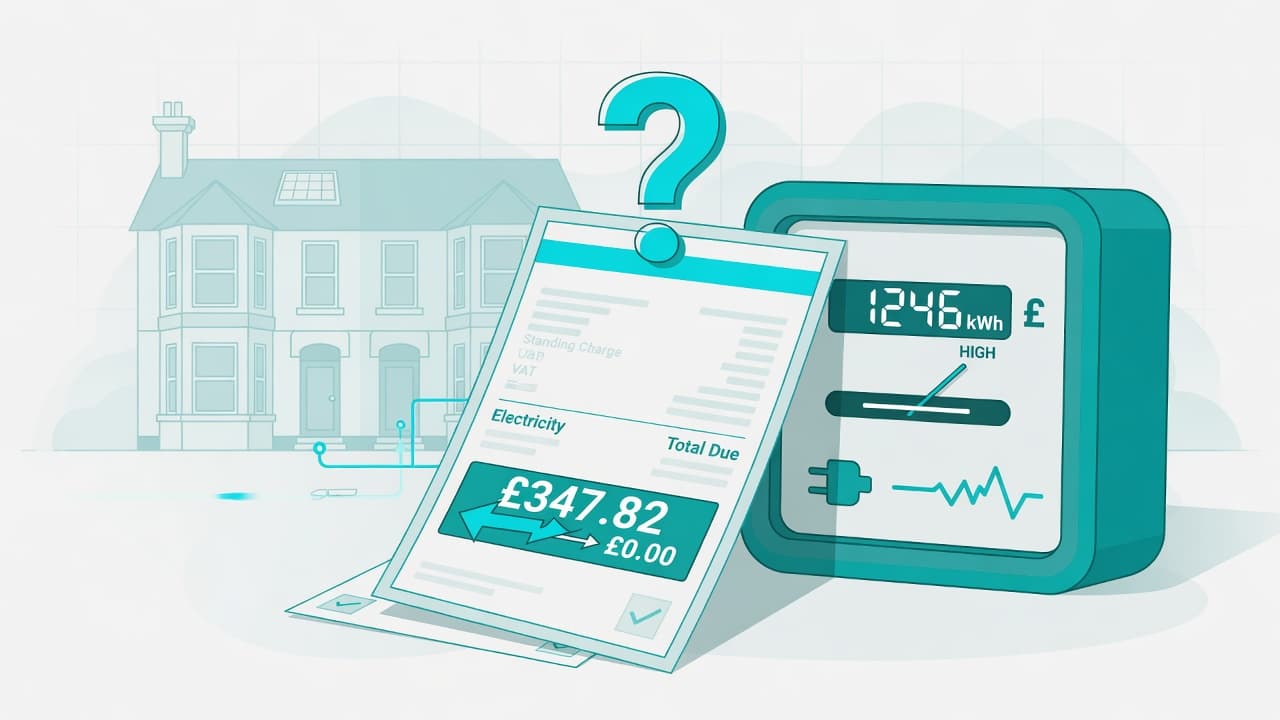
In short (UK): Subscriptions are easy to start and hard to stop — but post-cancel charges, hidden auto-renewals, and faulty digital services can still be challenged. Cancel in writing, screenshot everything, demand refunds for wrongful charges, then use bank/PayPal routes if needed. This is general guidance, not legal advice.
There is no single “cancel any time for a full refund” law for every subscription — but several protections stack. This guide is the core map. For a personalised step by step action plan, deadline reminders and pre-filled letter templates, use Refundly.
Common Problems
Trial → paid without a clear reminder; hidden cancel; annual renewals; price hikes without notice; unusable service but no refund.
Legal Themes (High Level)
- Consumer Contracts — cooling-off on many distance sign-ups
- Consumer Rights Act — digital service quality / as described
- Unfair terms — impossible cancel processes may be challengeable
- Payment disputes — chargeback, Section 75, PayPal
What to Do Next (High Level)
- Screenshot account status, cancel pages, and charges.
- Cancel in writing (email + in-app).
- Request refund of wrongful charges with dates.
- Set a response deadline.
- Dispute with the bank/PayPal if they refuse.
| Situation | What to aim for |
|---|---|
| Charged after cancel | Refund of those charges + written confirmation |
| Trial converted without clear consent/notice | Refund first charge + cancel |
| Service unusable | CRA-style remedy including possible refund |
| Surprise annual renewal | Challenge; outcomes are fact-specific |
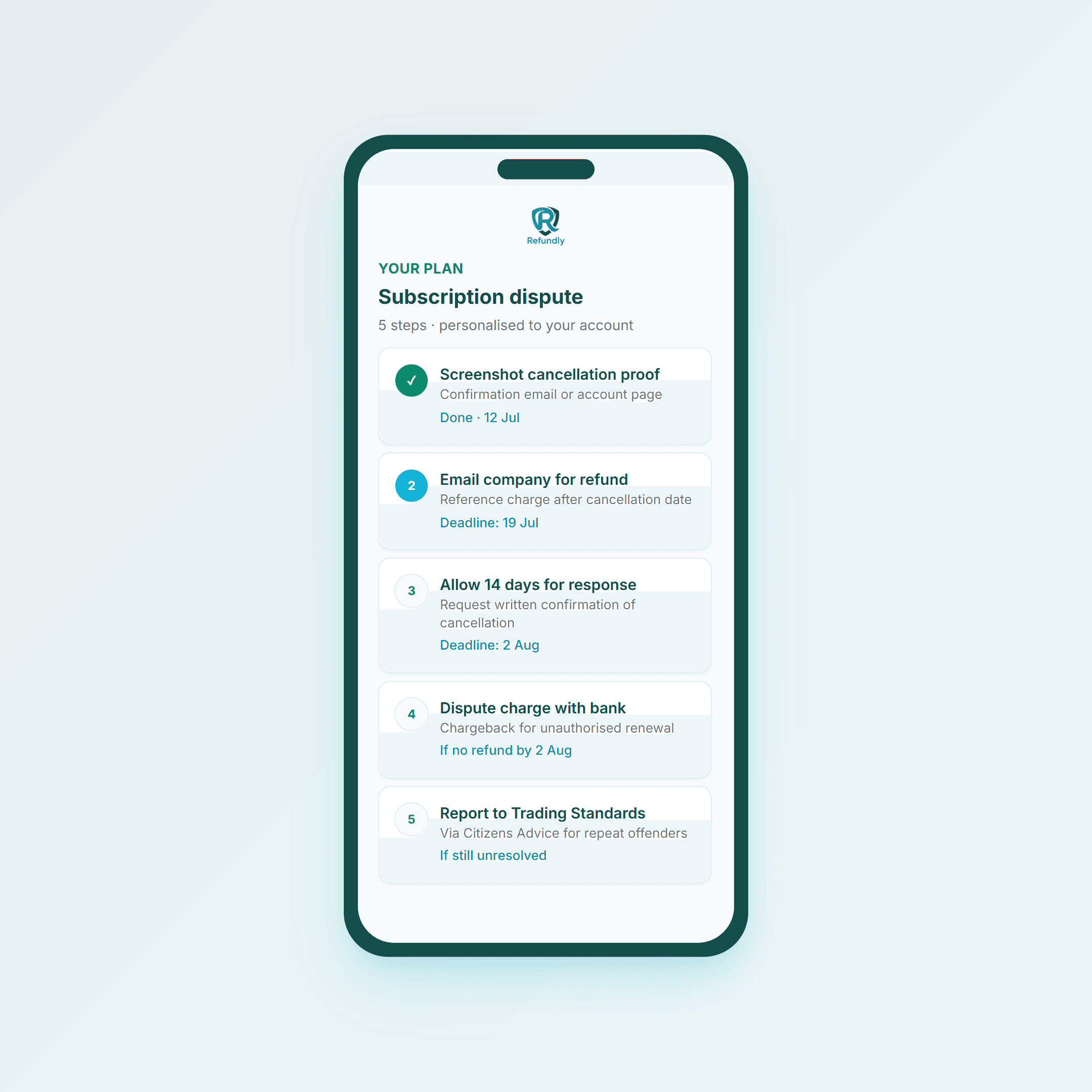 Cancel date vs charge date is often the whole case
If Cancel “Does Not Work”
Write: you cancelled on [date]; you were still charged; you want refund + confirmation of no further charges. Attach screenshots. Do not rely on a broken button alone.
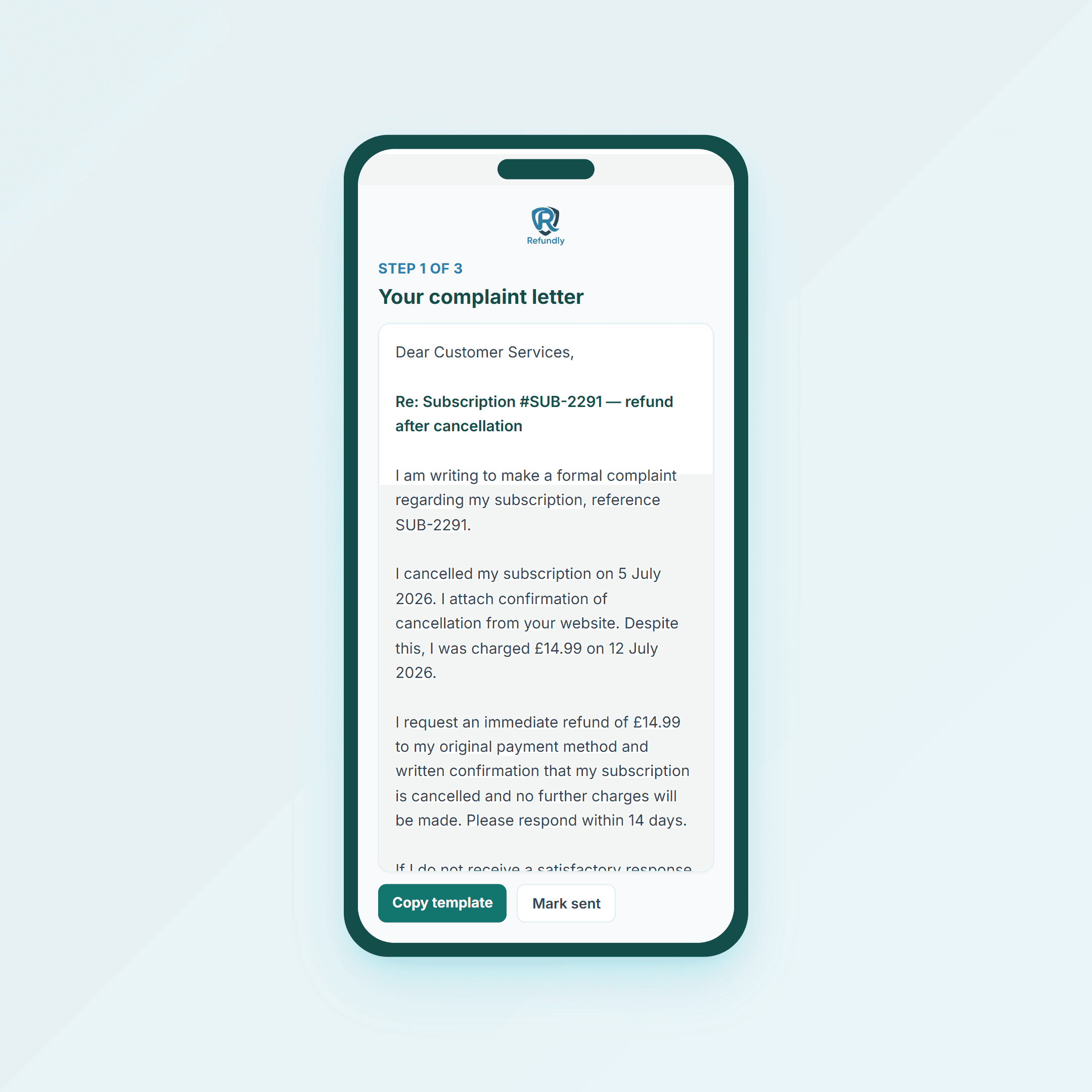 Formal complaints stop “we never heard from you”
Stopping Future Charges
Cancel with the merchant; if charges continue, dispute promptly; report persistent offenders via Citizens Advice / Trading Standards channels.
Using Refundly for Subscription Disputes
- Select subscriptions or digital purchases
- Rights for your sign-up method
- Timeline of charges vs cancel
- Complaint + escalation plan
Final Tip
When you start a free trial, set your own reminder two days before it ends. Do not rely on the company.
General information for UK consumers only — not legal advice. See the Consumer Rights Act 2015 and Consumer Contracts Regulations.
Common questions
Short answers to common questions on this topic.
- Can I get a refund if I was charged after cancelling a subscription?
- Often yes for post-cancellation charges if you can prove the cancel date. Complain in writing with screenshots, demand a refund and confirmation of no further charges, then dispute with your bank if needed.
- What if a free trial converted without a clear reminder?
- Challenge the first charge and cancel in writing. Distance-selling and unfair-terms arguments can help depending how you signed up and what you were told — keep the sign-up screenshots.
- Is there a 14-day cooling-off for subscriptions?
- For many online sign-ups, yes at the start of the contract under Consumer Contracts rules — especially if ongoing charges were not made clear. Once a service is fully used with consent, pure change-of-mind refunds can be limited.
- The cancel button does not work — what then?
- Email a clear cancel and refund request with screenshots of the failed process. A paper trail matters more than an in-app button that never confirms.
- Should I cancel my card to stop charges?
- Dispute the charge and cancel with the merchant first where possible. Card cancellation alone can leave account issues; a proper dispute is usually cleaner.