In short (UK): Paid digital content from a trader must be of satisfactory quality, fit for purpose, and as described under the Consumer Rights Act 2015. “No refunds on digital goods” does not cancel those rights when the product is faulty or misdescribed. Document the fault, complain in writing, then escalate if needed. This is general guidance, not legal advice.
Bought software, a game, or a digital product that does not work as advertised? This guide covers the core rules — not a full claim pack. For a personalised step by step action plan, deadline reminders and pre-filled letter templates, use Refundly.
Your Rights for Digital Content
Digital content sold by traders generally must be:
- Of satisfactory quality
- Fit for purpose
- As described
That includes many paid downloads, licences, and digital subscriptions — not every free app.
Changed Your Mind vs Faulty Product
| Situation | High-level position |
|---|---|
| Faulty / crashes / missing promised features | Remedy under CRA 2015 |
| Simply changed your mind after supply started | Limited — cooling-off often restricted once you agreed to immediate supply |
| Used it heavily but still faulty | Use may affect pure rejection; fault claims can still stand |
What to Do Next (High Level)
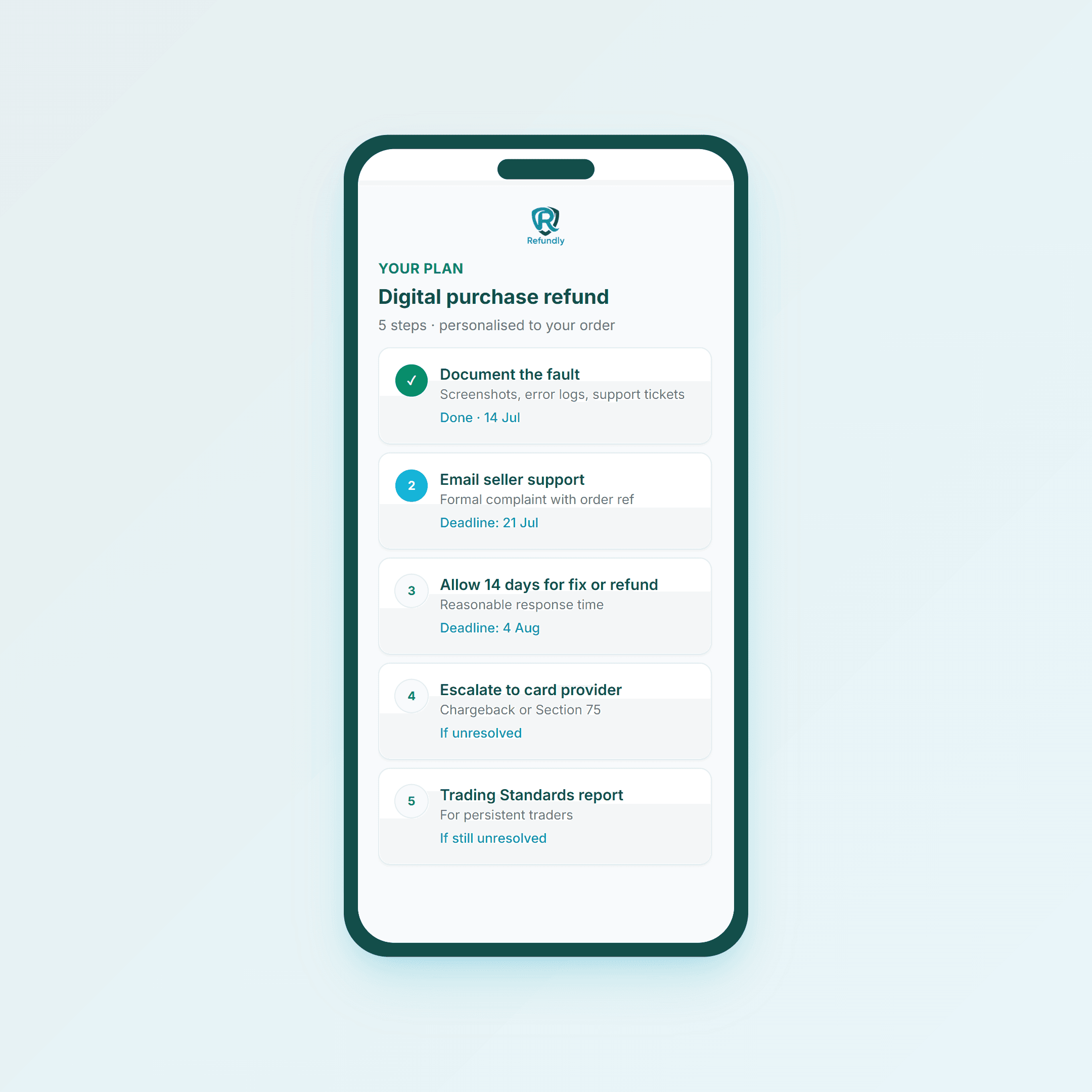
- Document the fault — screenshots, errors, ticket IDs.
- Write to the seller (not only live chat).
- Request a remedy — repair, replacement, or refund under the Act.
- Set a clear response deadline.
- Escalate via platform, PayPal, chargeback, or Section 75 if ignored.
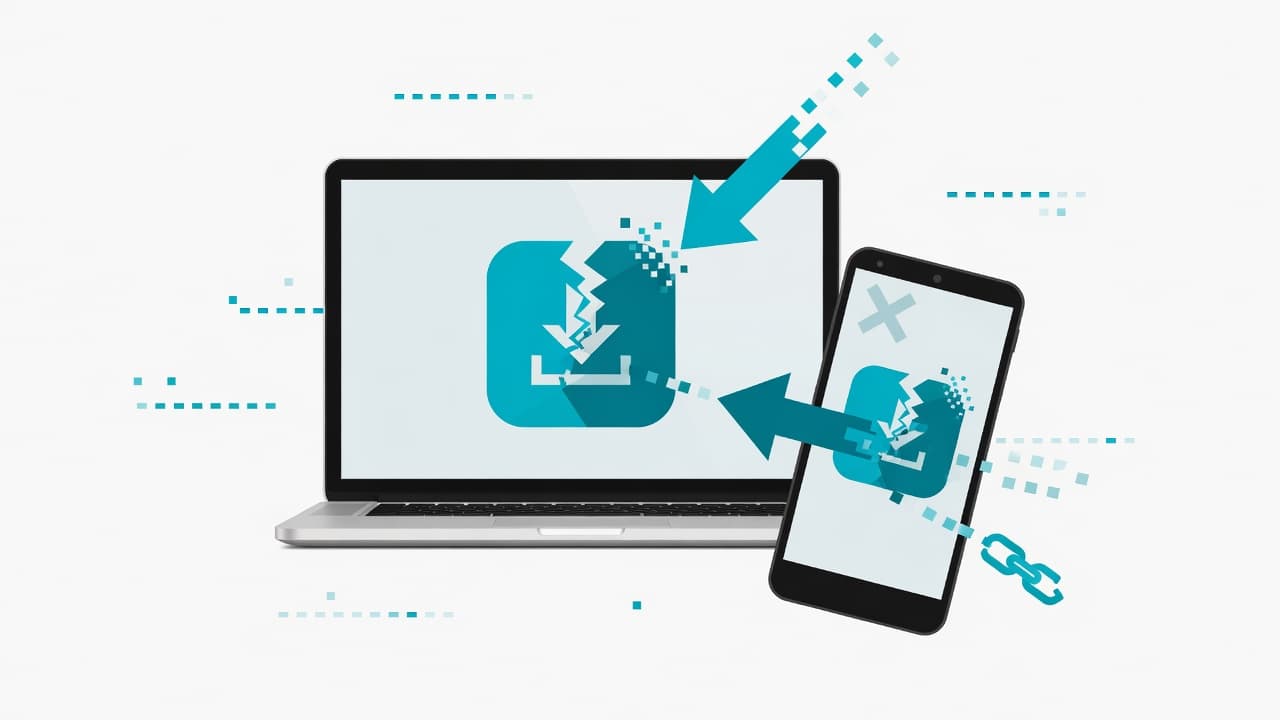
 A dated record of faults and support contacts strengthens any dispute
What Your Complaint Should Cover
Checklist: order/licence reference; product and price; what fails vs what was promised; evidence; remedy wanted; deadline. Keep it factual.
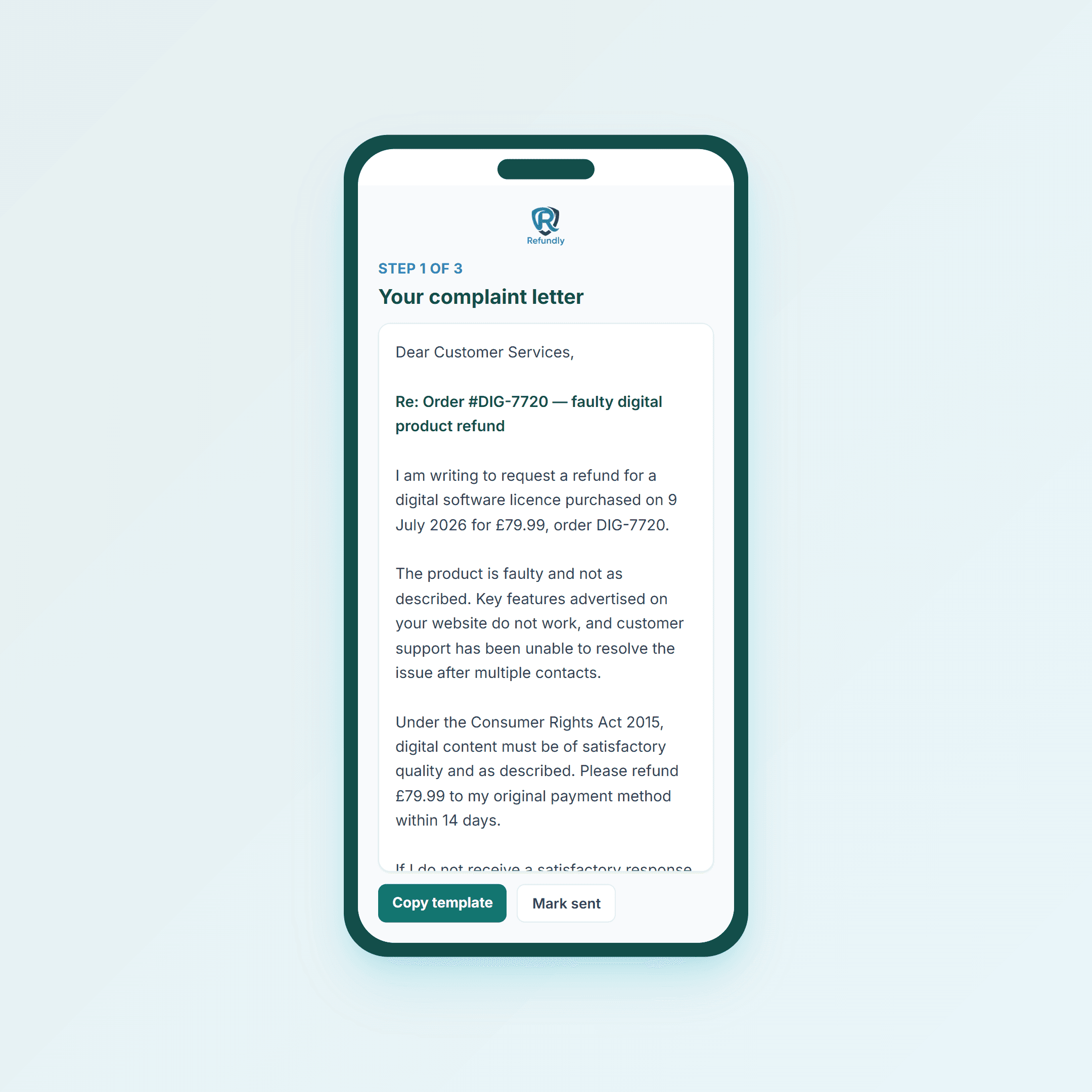 Refundly builds a digital-content complaint from your claim details
Platform Tips (High Level)
Use the store’s dispute tools and email the developer or seller so you have a paper trail. SaaS that does not work as sold can still justify a remedy even if cancellation copy is strict.
Using Refundly for Digital Purchases
- Select digital purchases / related issue
- See plain-English rights
- Get a personalised plan
- Generate a complaint letter
- Track and export if you escalate
Final Tip
Before buying, screenshot the advertised features. If delivery does not match the listing, that evidence is often decisive.
General information for UK consumers only — not legal advice. See the Consumer Rights Act 2015.
Common questions
Short answers to common questions on this topic.
- Can I get a refund for a faulty app or game in the UK?
- Often yes if the digital content is not of satisfactory quality, not fit for purpose, or not as described under the Consumer Rights Act 2015. A blanket “no refunds on digital goods” policy cannot override statutory rights for faulty or misdescribed content.
- What if I just changed my mind after downloading?
- Change-of-mind rights are limited for digital content once supply starts with your agreement. Fault and misdescription claims are different and can still stand.
- Is a subscription treated like a download?
- Paid digital services still have quality and description standards. Faulty or unusable services can justify a remedy even when cancellation terms look strict — facts matter.
- Should I complain to the store or the developer?
- Do both in writing where possible: platform dispute tools and a direct paper trail to the seller. Screenshots of errors and the product listing help.
- What if support ignores me?
- Escalate with a clear written record — platform dispute, PayPal, chargeback, or Section 75 depending on payment. Refundly helps organise the path for your purchase.